Sign up for free
Having an existing account.
Sign in here
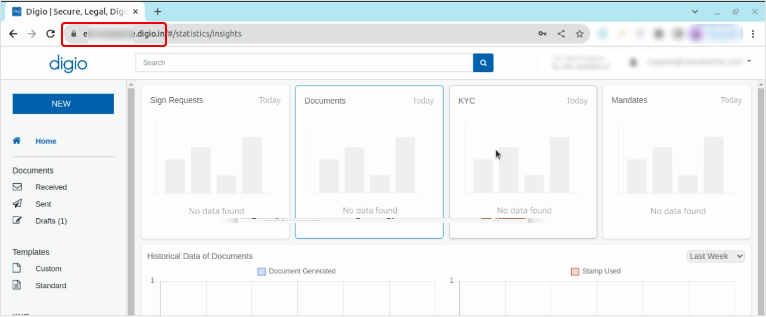
To get your Domain URL please login to your Digio account >> Go to the web URL and copy your Domain URL. Please make sure you copy only upto '.digio.in' as shown below.
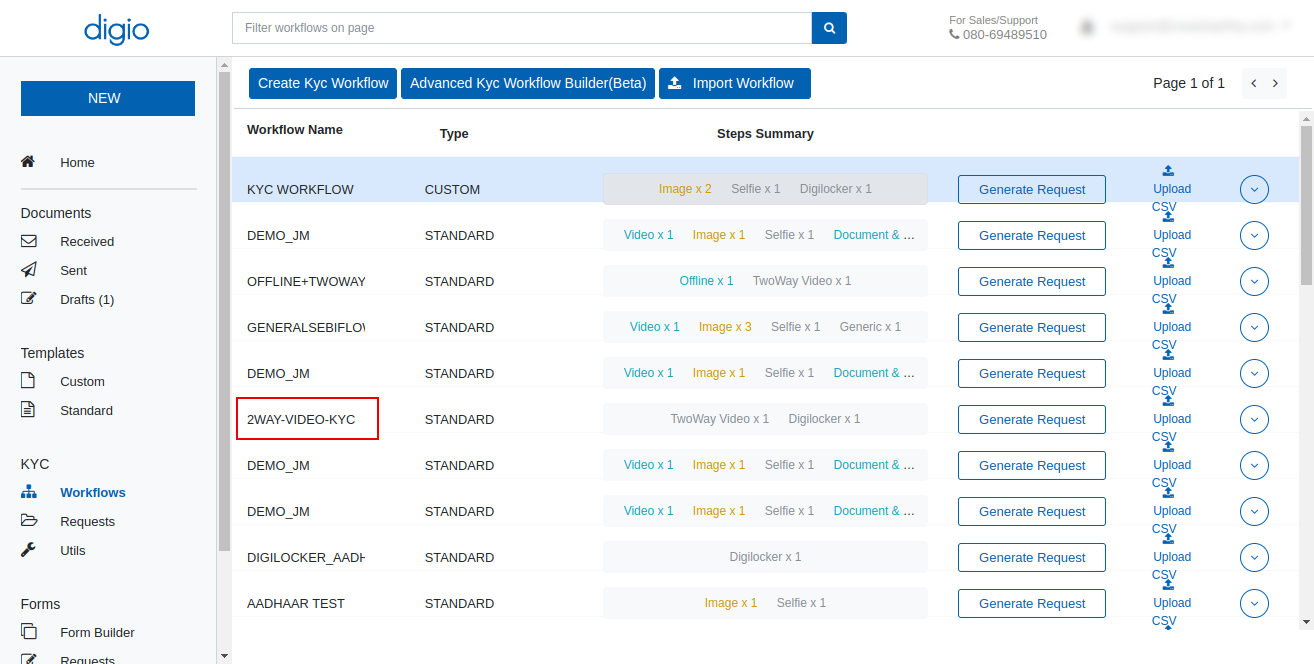
Please login to your Digio account >> Go to 'Workflows' under 'KYC' Section. Please copy KYC Workflow Name as highlighted below.
Step 1: Login to your Digio account.
Step 2: Go to Templates and open the digio template you want to add.
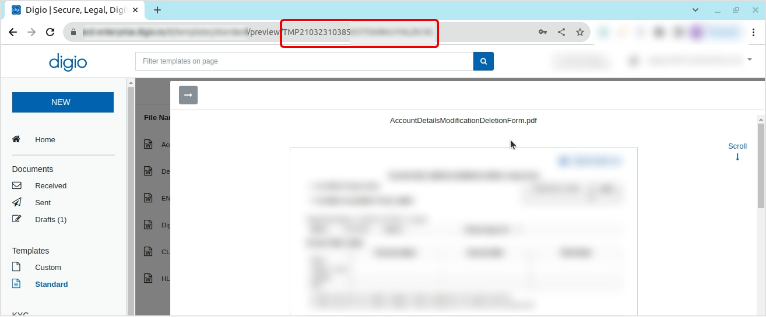
Step 3: Go to the selected document Web URL and copy the digio template ID starting with 'TMP' as shown below.